

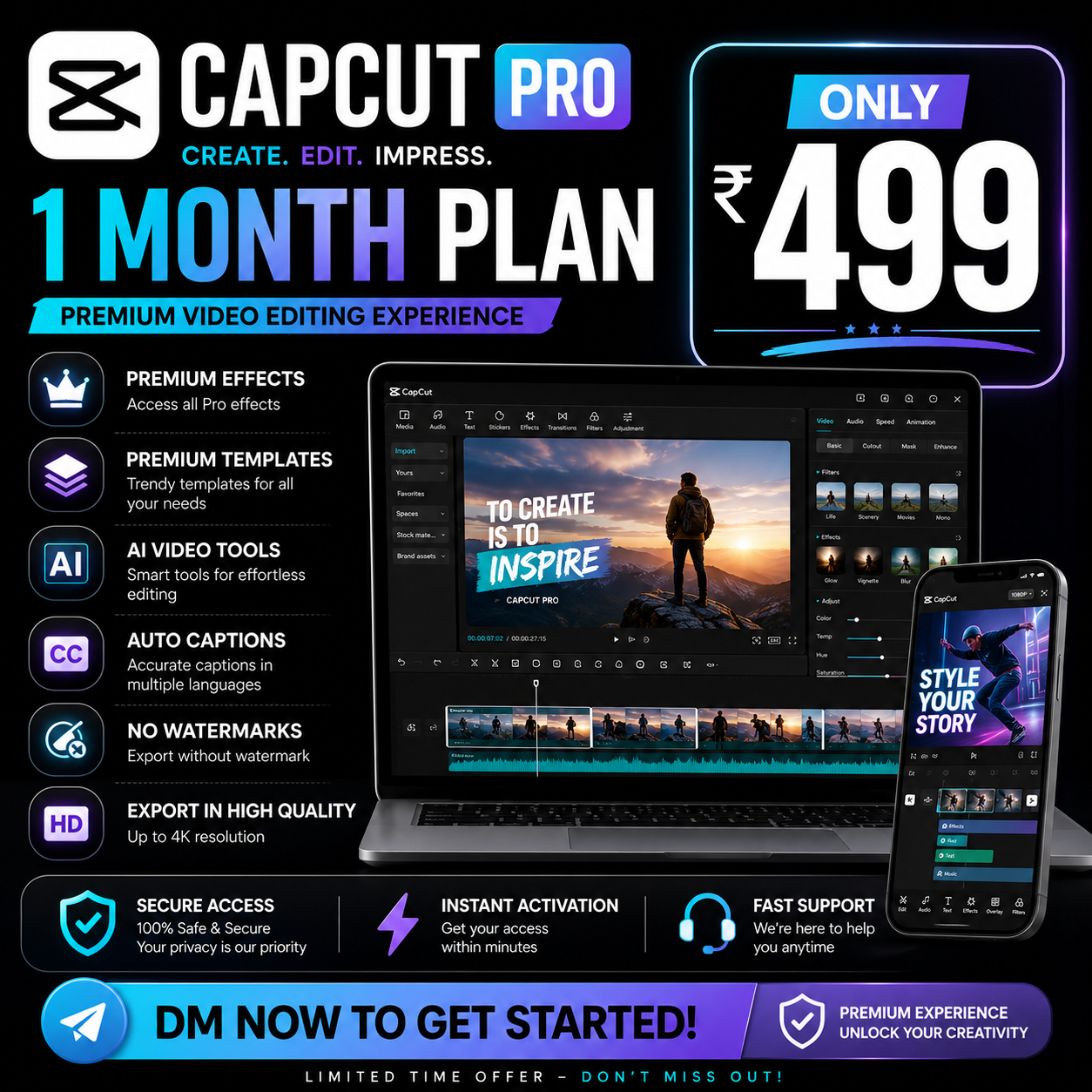
If you’ve searched for “CapCut Pro APK Latest Version,” you’ve probably seen hundreds of websites claiming they offer the newest release.
Some promise unlimited premium features.
Others claim to provide a “fully unlocked” version.
The problem?
Most users can’t easily tell which downloads are legitimate and which are potentially risky.
As someone who works with content creators, YouTubers, short-form video editors, and marketing teams, I’ve seen people lose projects, expose personal data, or install malware simply because they downloaded software from the wrong source.
This guide explains everything you need to know about the latest CapCut version, how Pro works, where to download safely, and whether upgrading is actually worth it.
Quick Answer
What Is the CapCut Pro APK Latest Version?
The latest CapCut APK refers to the newest official Android version of CapCut released by its developers. CapCut Pro is not a separate APK. Instead, users download the standard CapCut app and unlock Pro features through a subscription linked to their account.
What Is CapCut?
CapCut is a video editing application developed by ByteDance, the company behind TikTok.
The platform has become one of the most popular editing tools for:
- YouTube Shorts
- TikTok videos
- Instagram Reels
- Facebook Reels
- Marketing videos
- Product promotions
- Educational content
Unlike traditional editing software, CapCut focuses on speed and ease of use.
Is There an Official CapCut Pro APK?
This question causes a lot of confusion.
Short Answer
No.
CapCut Pro is not distributed as a separate APK.
Instead:
- Download the official CapCut application.
- Sign into your account.
- Subscribe to Pro.
- Premium features become available.
This means there is no legitimate “CapCut Pro APK” that comes pre-unlocked.
How to Download the Official CapCut APK
Method 1: Google Play Store
Recommended for most Android users.
Steps
- Open Google Play Store.
- Search “CapCut.”
- Verify the publisher.
- Install the application.
- Sign in.
Benefits:
- Automatic updates
- Better security
- Verified application files
Method 2: Official Website
Sometimes users need the APK directly.
Common reasons include:
- Regional restrictions
- Manual installation
- Older Android devices
When downloading APK files, always use official sources.
How to Activate CapCut Pro
Many users assume they need a different application.
That’s not how it works.
Activation Process
- Install CapCut.
- Create an account.
- Open premium features.
- Select a subscription plan.
- Complete payment.
- Pro features activate automatically.
No separate APK is required.
CapCut Free vs CapCut Pro
| Feature | Free Version | Pro Version |
|---|---|---|
| Basic Editing | Yes | Yes |
| Templates | Limited | Full Access |
| Effects | Limited | Premium Collection |
| AI Features | Basic | Advanced |
| Stock Assets | Limited | Expanded Library |
| Cloud Features | Basic | Enhanced |
| Export Options | Standard | Expanded |
Why People Search for CapCut Pro APK
After analyzing creator communities, the most common reasons include:
1. Avoiding Subscription Costs
Many users want premium features without paying.
2. Regional Availability Issues
Some users struggle accessing subscriptions in certain regions.
3. Lack of Information
Many believe Pro requires a different installation file.
4. Curiosity
Users simply want to know what Pro includes before subscribing.
Risks of Unofficial APK Downloads
One mistake I see repeatedly is creators downloading random APK files before checking the source.
The risks include:
- Malware
- Spyware
- Data theft
- Account compromise
- Device instability
- Missing updates
A few dollars saved on a subscription is rarely worth risking your device.
Features That Make CapCut Pro Popular
Premium Templates
Ideal for:
- Influencers
- Agencies
- Content creators
- Small businesses
AI Caption Generation
One of the biggest time-saving features.
Instead of manually typing subtitles, the software handles most of the work.
Premium Effects
Useful for:
- Viral content
- Promotional videos
- Brand campaigns
Stock Assets
Access to additional resources without leaving the editor.
Is CapCut Pro Worth It?
Worth It If:
- You create content daily.
- You manage client projects.
- You run social media campaigns.
- You need advanced editing tools.
Not Always Worth It If:
- You edit occasionally.
- Basic editing meets your needs.
- You’re still learning video production.
Common Mistakes New Users Make
Upgrading Too Early
Many people pay before understanding the platform.
Use the free version first.
Learn the workflow.
Then decide.
Ignoring Templates
Templates can dramatically speed up production.
Many beginners spend hours creating effects manually.
Poor File Organization
Video editing becomes frustrating when projects aren’t organized properly.
Use folders.
Name assets clearly.
Save backups.
Best Alternatives to CapCut
Adobe Premiere Pro
Best for professional editors.
Pros
- Advanced tools
- Industry standard
Cons
- Higher learning curve
- Expensive
DaVinci Resolve
Popular among professional creators.
Pros
- Powerful free version
- Excellent color grading
Cons
- Requires stronger hardware
Filmora
A beginner-friendly option.
Pros
- Easy to learn
- Strong feature set
Cons
- Subscription costs
Canva Video Editor
Great for marketers and small businesses.
Pros
- Fast workflow
- Easy templates
Cons
- Limited advanced editing
Future of CapCut
The next generation of editing tools will focus heavily on:
- AI-assisted editing
- Automated subtitles
- Smart video generation
- One-click content repurposing
- Collaboration features
CapCut is investing heavily in these areas, which explains its rapid growth among creators.
Final Verdict
If you’re searching for the CapCut Pro APK latest version, the most important thing to understand is this:
CapCut Pro is not a separate APK.
The safest approach is downloading the official CapCut application and activating Pro through a legitimate subscription.
Avoid unofficial APK sources promising unlimited premium features.
For most creators, the official version provides the best balance of security, performance, updates, and reliability.
FAQ
Is CapCut Pro a separate APK?
No. CapCut Pro is activated through a subscription within the standard CapCut application.
Can I use CapCut without paying?
Yes. CapCut offers a free version with many editing features.
Is the official APK safe?
When downloaded from official sources, the APK is generally considered safe.
Does CapCut Pro remove watermarks?
Some premium tools and export options provide additional flexibility depending on current platform features.
Can I use CapCut Pro on PC?
Yes. CapCut offers desktop versions for Windows and Mac.
Is CapCut good for YouTube Shorts?
Yes. Many creators use it specifically for short-form content.
Does CapCut work offline?
Many editing features work offline, though some cloud and AI features require internet access.
How often does CapCut update?
The platform receives frequent updates that introduce new tools, effects, and improvements.
Is CapCut beginner-friendly?
Yes. It is one of the easiest video editing platforms for new creators.
What is the best CapCut alternative?
DaVinci Resolve, Filmora, Canva Video Editor, and Adobe Premiere Pro are among the most popular alternatives.